
Skip to content
Add-on

Let it talk to your own systems

Let your enterprise software, reporting tool or website access OtoNot data through the REST API. All endpoints are in the Swagger documentation.

API access

—

    All add-ons

    What does it do?

    API access

    Let it talk to your own systems

    • REST API

      Programmatic access to work order, customer, vehicle, inventory and invoice data.

    • Swagger documentation

      Every endpoint, parameter and response on one page.

    • Limited by permissions

      API calls are also limited by the user's role and permissions.
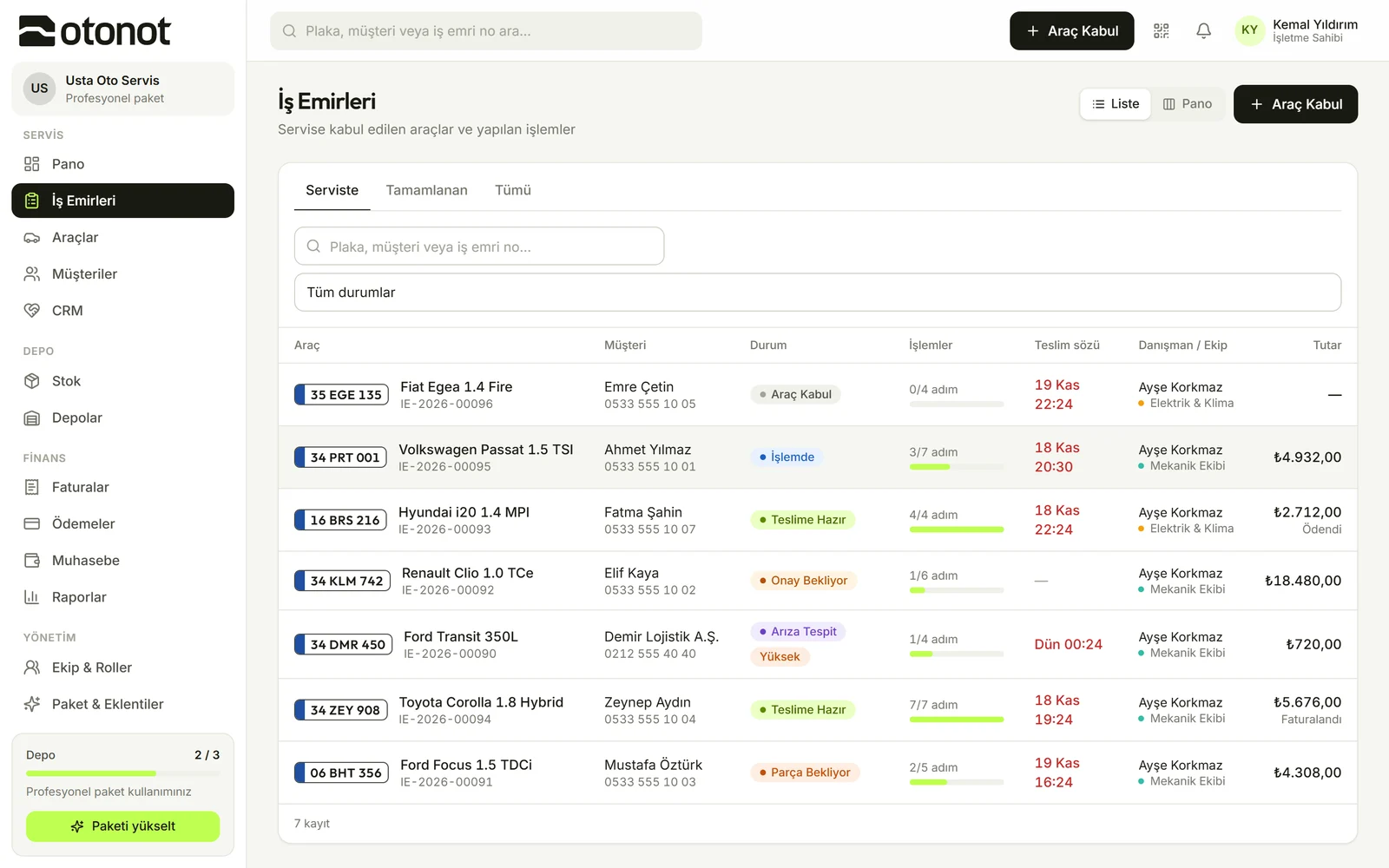
    Work orders screen

    How it works

    1. 1

      Enable the add-on

      Add-on on the Professional plan, included in the Enterprise plan.

    2. 2

      Read the documentation

      Try the endpoints in Swagger.

    3. 3

      Integrate

      Read or write data from your own software.

    Questions

    • Included in the Enterprise plan; available as an add-on on the Professional plan.

    Other add-ons

    • Online customer approval

      Customers see the planned work and the amount on the tracking page and approve with one tap.

    • Tracking page with your own brand

      On the tracking page your customer sees, only your logo and name appear instead of OtoNot.

    • Bookkeeping

      Cash and bank accounts, income and expenses, customer balances and monthly summaries.

    • Advanced reports

      Monthly revenue, technician performance, most common jobs and brand breakdown.

    • Inventory management

      Part cards, stock in and out, low-stock alerts; parts added to a work order are deducted from inventory.

    • Multi-warehouse

      Multiple warehouses and transfers between them.

    • CRM and customer follow-up

      Call notes, reminders, customers due for maintenance and customers who haven't visited in a long time.

    • Custom roles and permissions

      Create your own roles; define what each role can see and do.

    • AI Assistant

      Plate, make and model from a vehicle photo; vehicle details from the registration document. Suggestions appear in purple.

    Add-ons turn on with one click from the web dashboard

    Turn on what you need,
    don't pay for the rest.

    API access — OtoNot