Skip to content
Add-on

Where's the part, how many are left?

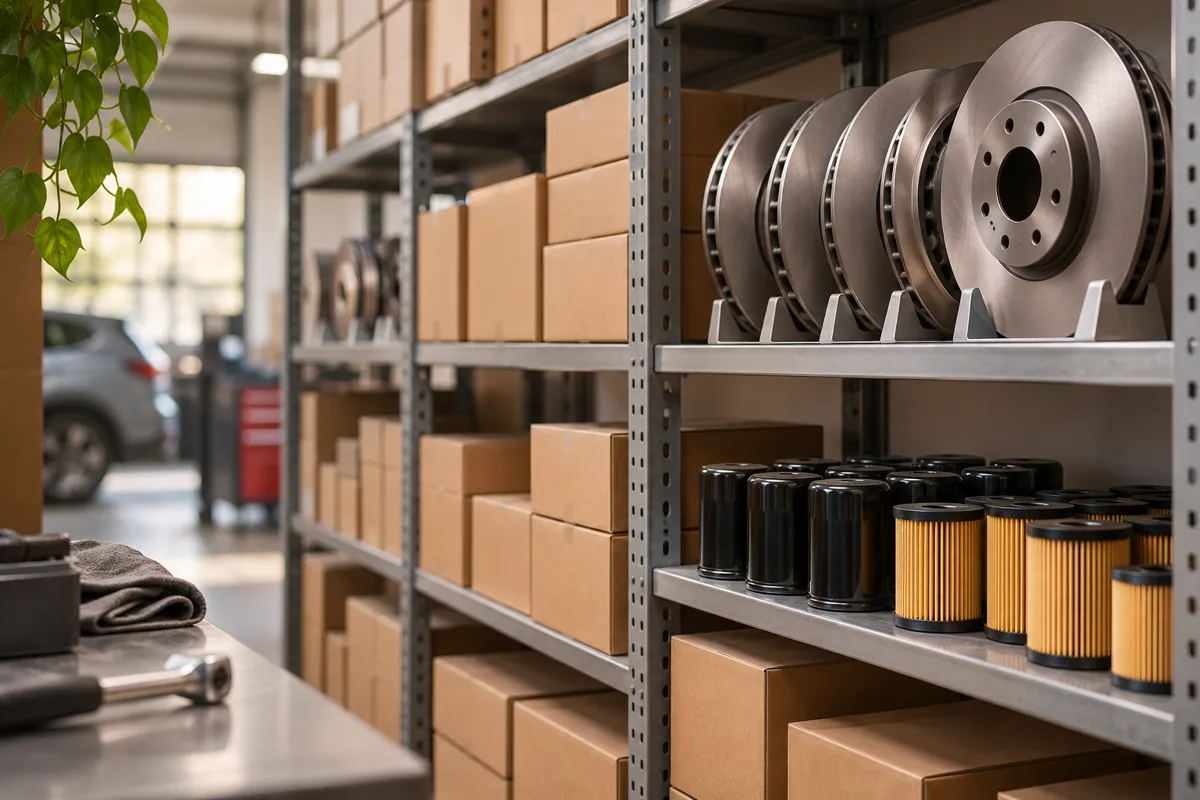
Keep your spare parts on cards. Parts added to a work order are deducted from inventory automatically; items running low alert you.

Inventory management

—

    All add-ons

    What does it do?

    Inventory management

    Where's the part, how many are left?

    • Part cards

      Code, brand, category, purchase and sale price, shelf location.

    • Stock in and out movements

      Every stock in and out is logged with its date.

    • Low-stock alert

      Items that drop below the level you set stand out.

    • Suppliers

      Who you buy parts from, in one place.
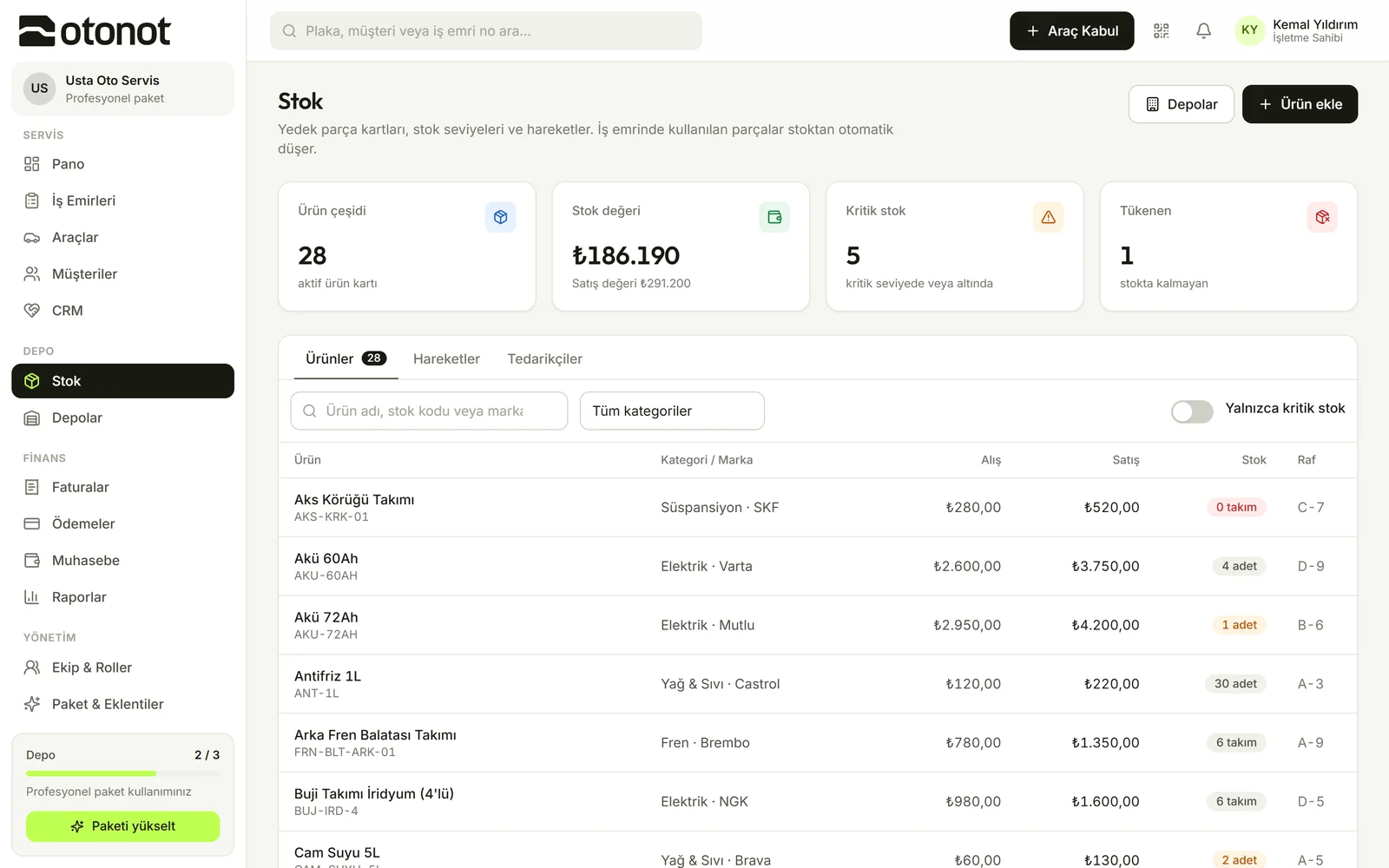
    Inventory screen

    How it works

    1. 1

      Add your products

      Enter part cards with code, price and shelf location.

    2. 2

      Use them on work orders

      The technician adds the part to the work order and stock goes down.

    3. 3

      Order on time

      See items at critical levels in the list.

    Questions

    • It's available as an add-on on the free plan; included in the Starter plan and above.

    Other add-ons

    • Online customer approval

      Customers see the planned work and the amount on the tracking page and approve with one tap.

    • Tracking page with your own brand

      On the tracking page your customer sees, only your logo and name appear instead of OtoNot.

    • Bookkeeping

      Cash and bank accounts, income and expenses, customer balances and monthly summaries.

    • Advanced reports

      Monthly revenue, technician performance, most common jobs and brand breakdown.

    • Multi-warehouse

      Multiple warehouses and transfers between them.

    • CRM and customer follow-up

      Call notes, reminders, customers due for maintenance and customers who haven't visited in a long time.

    • Custom roles and permissions

      Create your own roles; define what each role can see and do.

    • API access

      REST API and Swagger documentation for integrating with your own software.

    • AI Assistant

      Plate, make and model from a vehicle photo; vehicle details from the registration document. Suggestions appear in purple.

    Add-ons turn on with one click from the web dashboard

    Turn on what you need,
    don't pay for the rest.

    Inventory management — OtoNot